


TXC7141 Conventional Manual Call Point
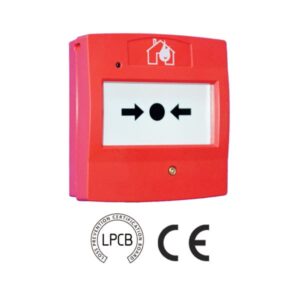
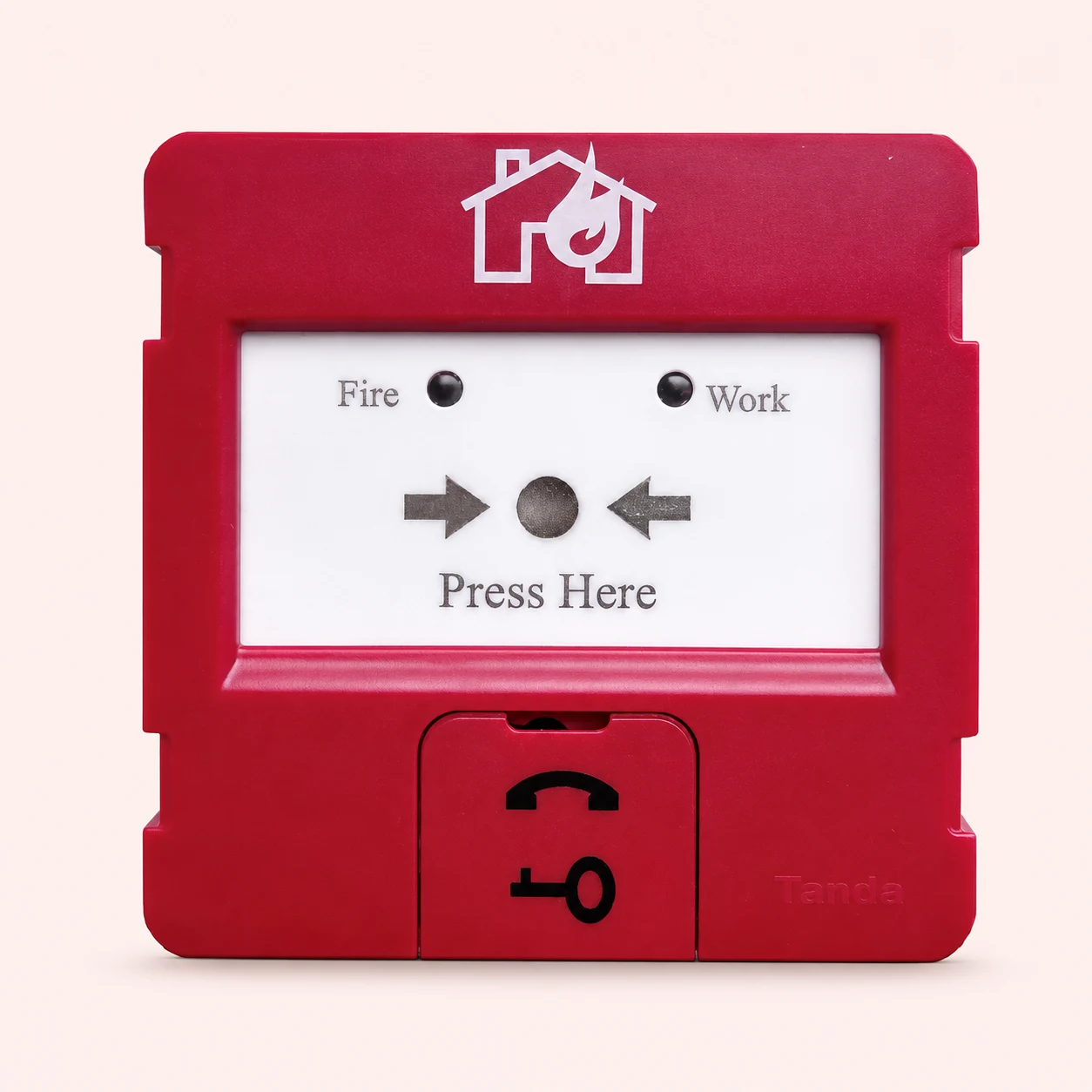
Press the reusable plastic element to send a manual fire alarm signal to a compatible conventional fire alarm control panel. The call point stays mechanically latched until it is reset with the dedicated key.
- Activation
- Press to trigger
- Conventional zone
- Non-polarised two-wire
See How the Alarm Reaches the Panel
Watch the call point send a manual alarm, the panel indicate the affected zone and the connected sounders activate.
The call point and panel start in standby.
Silent illustration of a conventional zone and its configured alarm outputs.
Activation, Indication and Reset
Reusable Press Element
Press the plastic element to initiate the alarm. A mechanical latch holds the call point in the alarm position until it is reset.
Fire and Work Indicators
The red Fire indicator illuminates after activation. The separate red Work indicator flashes during normal operation. The controller illuminates the corresponding zone indicator when it receives the alarm.
Key Reset
Open the keyhole cover, insert the dedicated reset key and turn it 90° clockwise to restore the press element. Reset the panel per the system procedure.
Two-Wire Conventional Zone
The zone connection is non-polarised. The conventional call point requires no device address programming.
Auxiliary Dry Contact
Activation also switches a separate COM/NO contact for compatible external equipment, rated 30 V DC / 0.1 A.
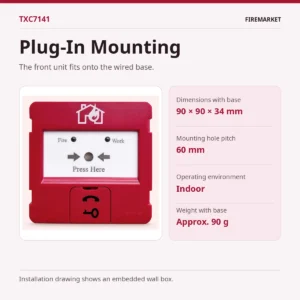
Plug-In Housing
The front unit plugs onto its wired base. The installation drawing shows concealed conduit and an embedded wall box.
Specification Highlights
- Operating voltage
- 16–28 V DC, 24 V DC nominal
- Normal / alarm current
- ≤30 µA / ≤30 mA
- Auxiliary contact
- 30 V DC / 0.1 A
- Dimensions with base
- 90 × 90 × 34 mm
- Mounting hole pitch
- 60 mm
- Operating environment
- Indoor, −10 °C to +55 °C
- Relative humidity
- ≤95%, non-condensing
- Weight with base
- Approx. 90 g
- Housing
- Red plastic